

LFM2-24B-A2B-Preview-GGUF
This walkthrough follows the Tutorial: LFM2-24B-A2B-Preview-GGUF section in the nexa-sdk Android README. It uses the LFM2-24B-A2B-Preview-GGUF model in the demo app.Steps
Install the app
Install the demo app (APK or build from source). For APK download and build-from-source steps, see Quick Start with APK and Build from Source on the GitHub Android README.
Select the model
Open the model selector (dropdown next to the model name) and choose LFM2-24B-A2B-Preview-GGUF.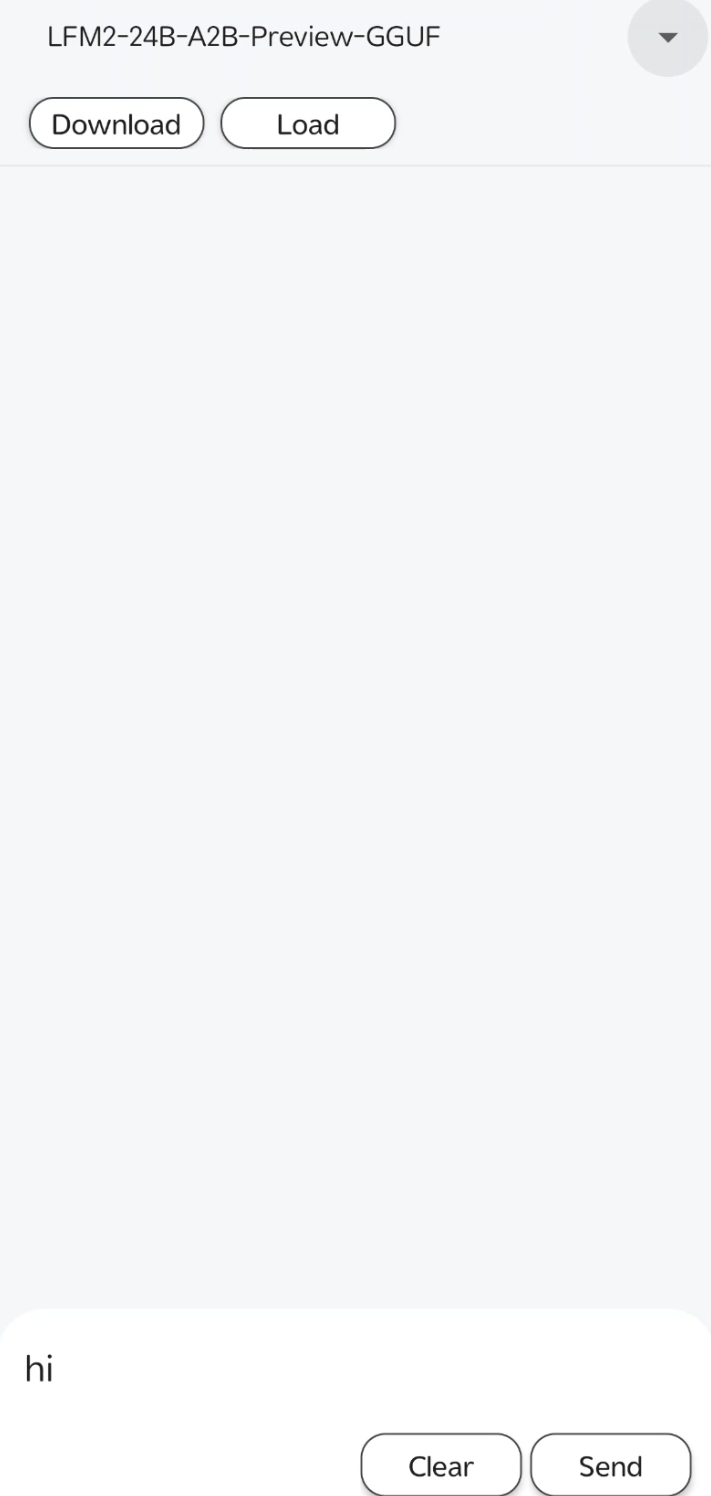
Load
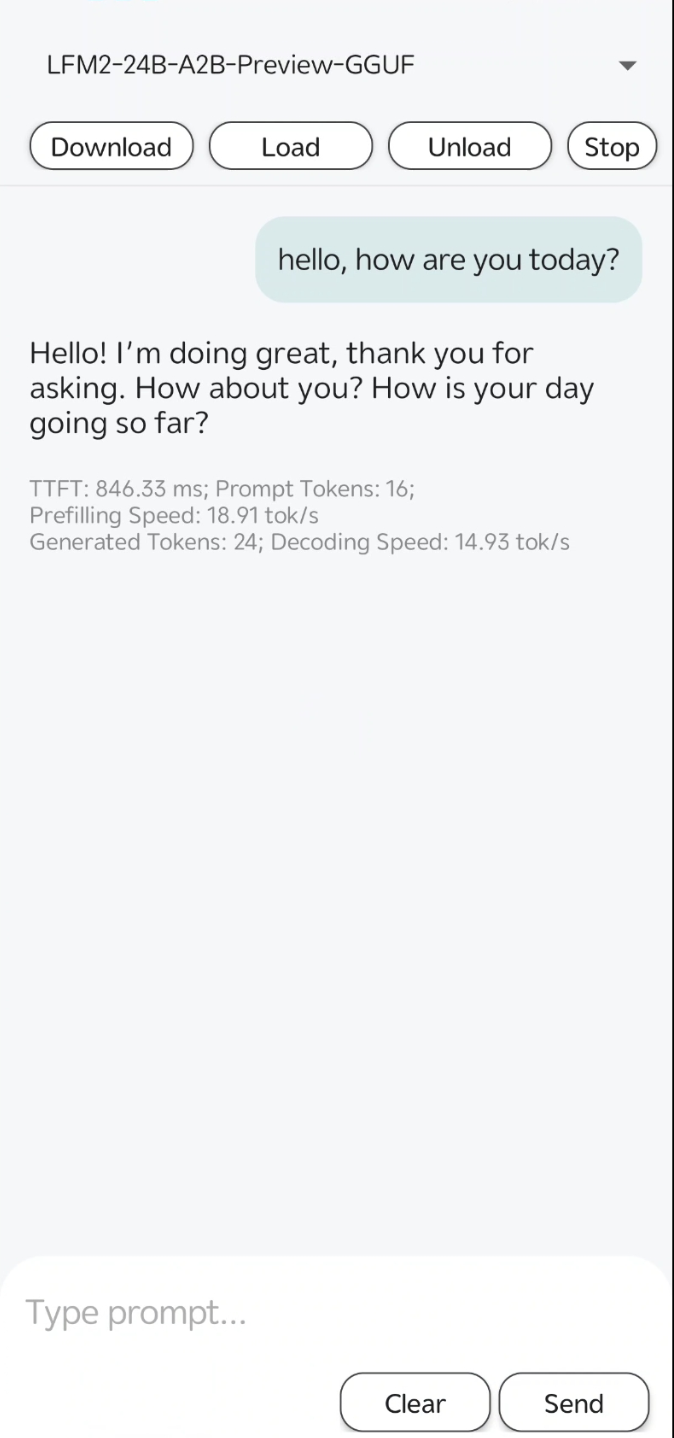
Tap Load. A load model config dialog appears: choose CPU, GPU, or NPU (for Qualcomm NPU), then tap SURE. Once the model is loaded, the chat area becomes available.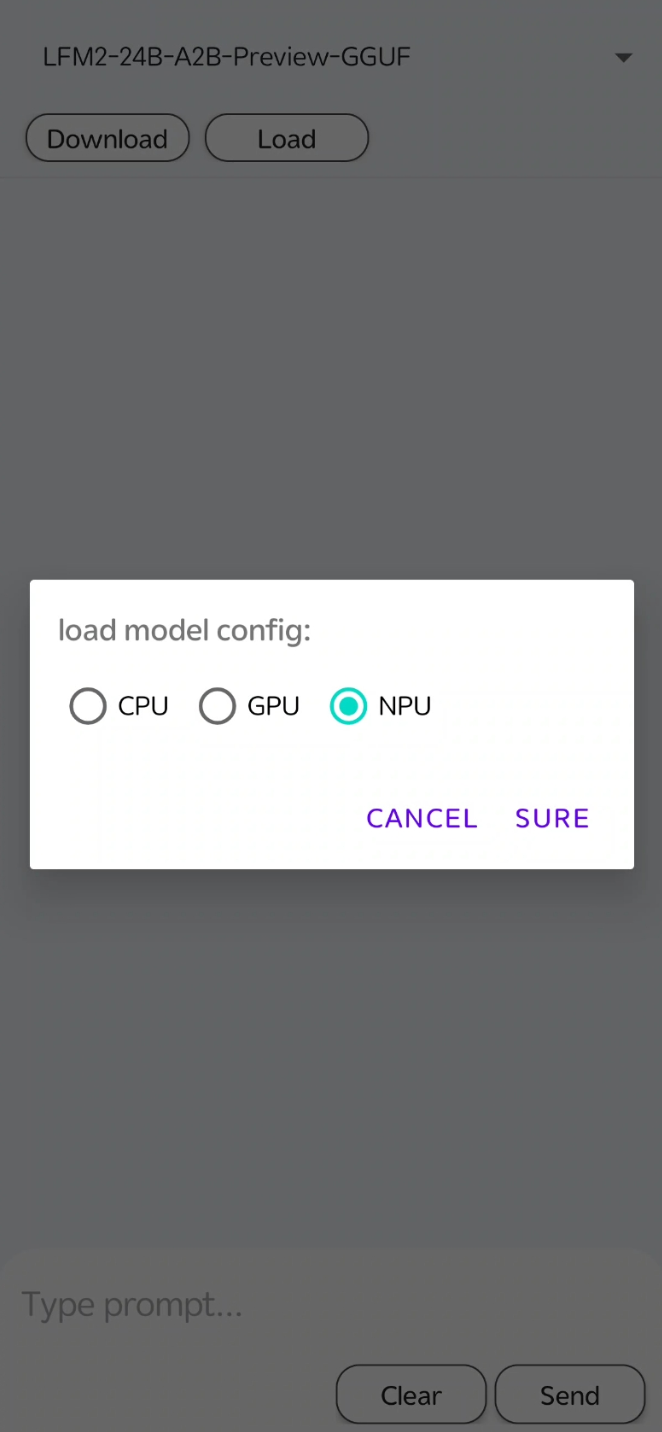
Was this page helpful?